
Channelier — probably the best channel letter add-in for Autodesk® Fusion 360™. Definitely the only one.
Channelier turns text or a drawing into a complete channel letter: walls, glass, glass supports and bottom, each a separate body you can print, cut or change.
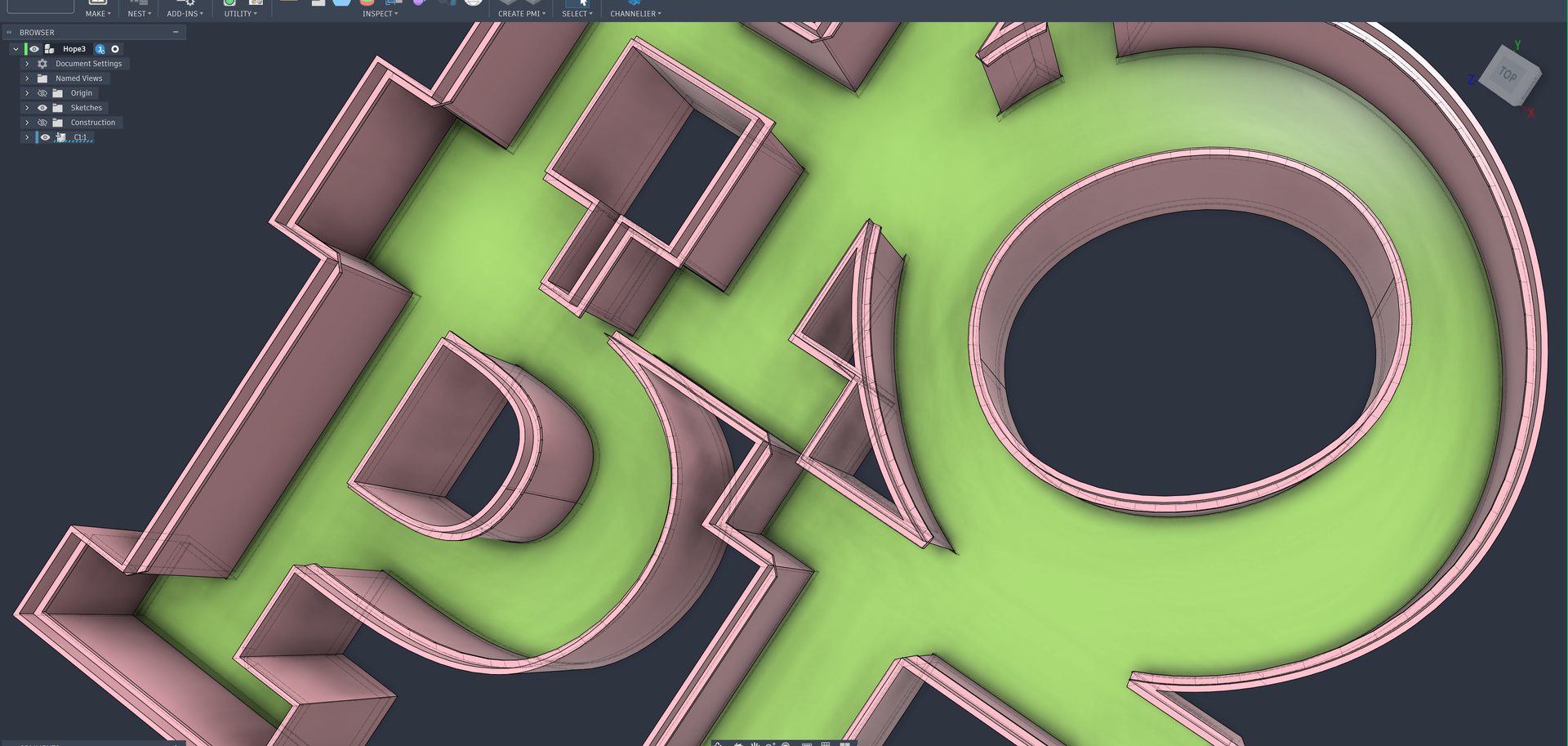

Font Channelier Free
For a first sign from text. A curated list of fonts.

Font Channelier Hobby
For text in any font you have, with spacing, socle and liner bottoms.
Free trial available on the Autodesk App Store.

Glyph Channelier
For logos and any shape: DXF, SVG or your own sketch.
Free trial available on the Autodesk App Store.
Which one do I need?
| Font Channelier Free | Font Channelier Hobby | Glyph Channelier | |
|---|---|---|---|
| Input | Text, curated font list | Text, any installed font | Any closed sketch profile (DXF, SVG, your own sketch) |
| Character spacing and X/Y position | – | ✓ | n/a |
| Repairs gaps in curves | – | – | ✓ |
| Walls: glyph depth, wall thickness out / in | ✓ | ✓ | ✓ |
| Wall socle | – | ✓ | ✓ |
| Glass: thickness, depth, offset, belly, gaps | ✓ | ✓ | ✓ |
| Capital (glass support): thickness, depth, angle | ✓ | ✓ | ✓ |
| Capital fillet (experimental) | – | ✓ | ✓ |
| Bottom types W, I, U | ✓ | ✓ | ✓ |
| Liner bottoms (liner W, liner U) | – | ✓ | ✓ |
| Colour per part | ✓ | ✓ | ✓ |
| Live preview | ✓ | ✓ | ✓ |
| Import / export settings and palettes | – | ✓ | ✓ |
| Licence | Free | Paid, free trial | Paid, free trial |
All three build the same parts. See the anatomy of a channel letter →